Infrastructure as Code: Terraform vs CloudFormation
Choosing between Terraform and CloudFormation is a critical decision for your infrastructure strategy. This comprehensive comparison helps you make an informed choice.
What is Infrastructure as Code?
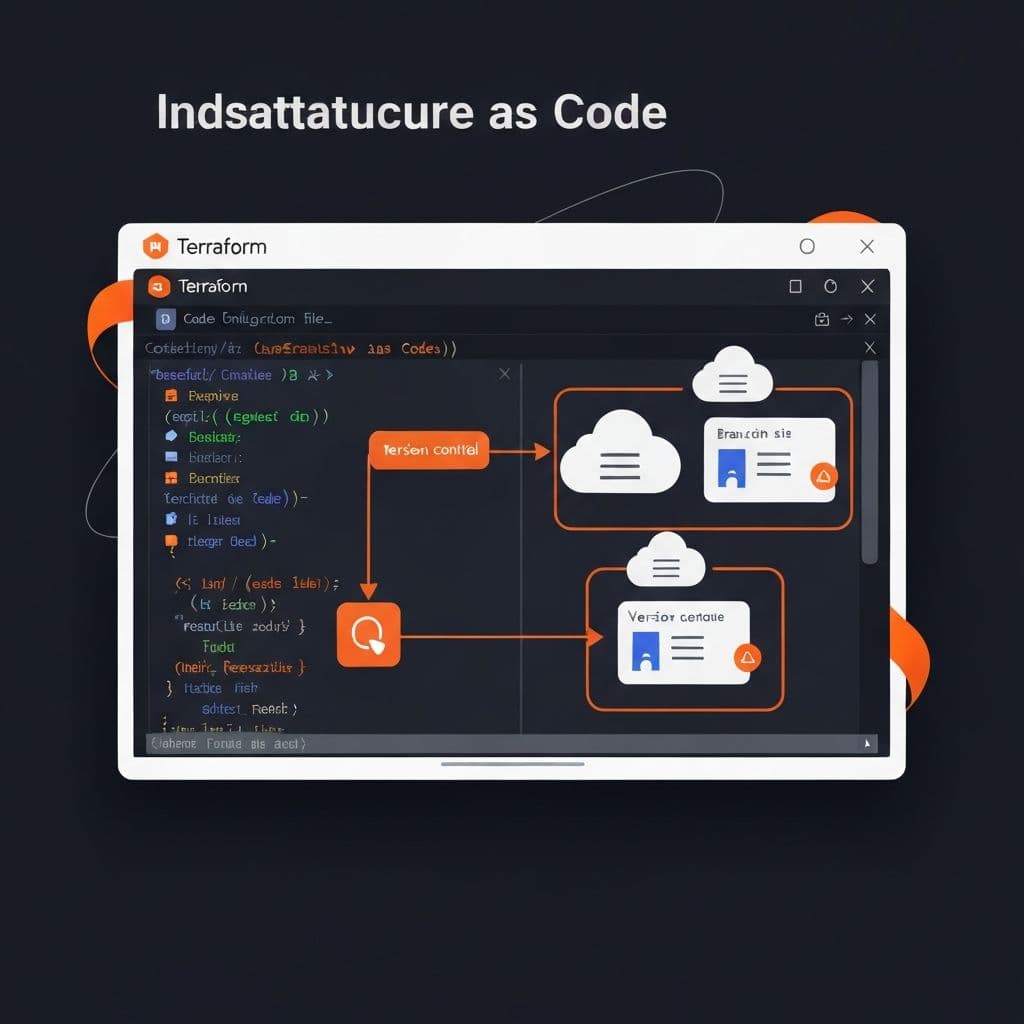
Infrastructure as Code (IaC) treats infrastructure configuration as software code:
Benefits:
- Version control for infrastructure
- Reproducible environments
- Automated provisioning
- Documentation as code
- Reduced human error
Terraform Overview
Terraform is an open-source IaC tool by HashiCorp that works across multiple cloud providers.
Key Features
Multi-Cloud Support:
# AWS resources
resource "aws_instance" "web" {
  ami           = "ami-0c55b159cbfafe1f0"
  instance_type = "t3.micro"
}

# Azure resources in same configuration
resource "azurerm_virtual_machine" "vm" {
  name     = "myvm"
  location = "East US"
}
State Management:
- Tracks actual infrastructure state
- Detects configuration drift
- Enables team collaboration
- Supports remote state backends
Plan before Apply:
- Preview changes before execution
- Understand impact of modifications
- Prevent accidental deletions
- Review resource dependencies
Terraform Strengths
1. Multi-Cloud Flexibility
Manage resources across AWS, Azure, GCP, and 1000+ providers:
- Avoid vendor lock-in
- Unified workflow across clouds
- Consistent tooling and syntax
- Easier multi-cloud architectures
2. Large Ecosystem
- 1000+ providers
- Active community
- Extensive modules
- Regular updates
3. Declarative Syntax
HCL (HashiCorp Configuration Language) is readable and expressive:
variable "environment" {
  type    = string
  default = "production"
}

resource "aws_vpc" "main" {
  cidr_block = "10.0.0.0/16"

  tags = {
    Name        = "main-vpc"
    Environment = var.environment
  }
}

output "vpc_id" {
  value = aws_vpc.main.id
}
CloudFormation Overview
CloudFormation is AWS's native IaC service, deeply integrated with AWS services.
Key Features
Native AWS Integration:
Resources:
  WebServer:
    Type: AWS::EC2::Instance
    Properties:
      ImageId: ami-0c55b159cbfafe1f0
      InstanceType: t3.micro
      Tags:
        - Key: Name
          Value: WebServer
Stack Management:
- Logical grouping of resources
- Atomic operations (all or nothing)
- Automatic rollback on failure
- Stack dependencies
CloudFormation Strengths
1. Deep AWS Integration
- First-class support for new AWS services
- Native AWS features (IAM, CloudWatch)
- No additional authentication needed
- Seamless AWS console integration
2. No Additional Cost
- Free to use (pay only for resources)
- No separate tool licensing
- No infrastructure for state management
- Built into AWS account
3. Automatic Rollback
Failed deployments automatically rollback:
- Maintains infrastructure consistency
- Reduces manual intervention
- Protects against partial failures
Head-to-Head Comparison
| Feature | Terraform | CloudFormation | |---------|-----------|----------------| | Multi-Cloud | Yes | No (AWS only) | | State Management | External | Managed by AWS | | Learning Curve | Moderate | Moderate | | Cost | Free (open-source) | Free | | New Feature Support | Provider dependent | Usually same-day |
When to Choose Each
Choose Terraform When:
- You need multi-cloud or hybrid cloud
- You want provider flexibility
- You prefer open-source tools
- You need to manage non-AWS resources
Choose CloudFormation When:
- You're AWS-only and will stay that way
- You want deep AWS integration
- You prefer managed state
- You need same-day new feature support
Conclusion
Both tools are excellent choices. Terraform offers flexibility across providers, while CloudFormation provides deep AWS integration. Choose based on your multi-cloud needs and team preferences.
Remember: the goal is reliable, reproducible infrastructure. Whether you choose Terraform or CloudFormation, commit to IaC best practices and your infrastructure will be better for it.